VirMolAnalyte V2.0 User Guide
NMR-guided molecular analysis for natural products
Desktop documentation for 13C/DEPT preprocessing, natural product database screening, random masking AAS fragment attribution, and optional AI-assisted interpretation.
13C / DEPT Peak picking and merged carbon-type tables
CSS / AAS / FPS / FPAACS Ranked natural product candidate screening
Masking AAS Carbon attribution, fragment extraction, and fusion
AI Assistant Offline diagnosis plus optional cloud LLM writing support
Open this guide from the application
In VirMolAnalyte V2.0, use Help -> Documentation to open the user manual in your browser.
Quick links
AI Assistant
Guided workflow, preflight checks, offline tools, and optional LLM interpretation.
Five GUI Tabs
| Module | Description |
|---|---|
| AI Assistant | Guided workflow, preflight diagnosis, offline tools, optional LLM interpretation |
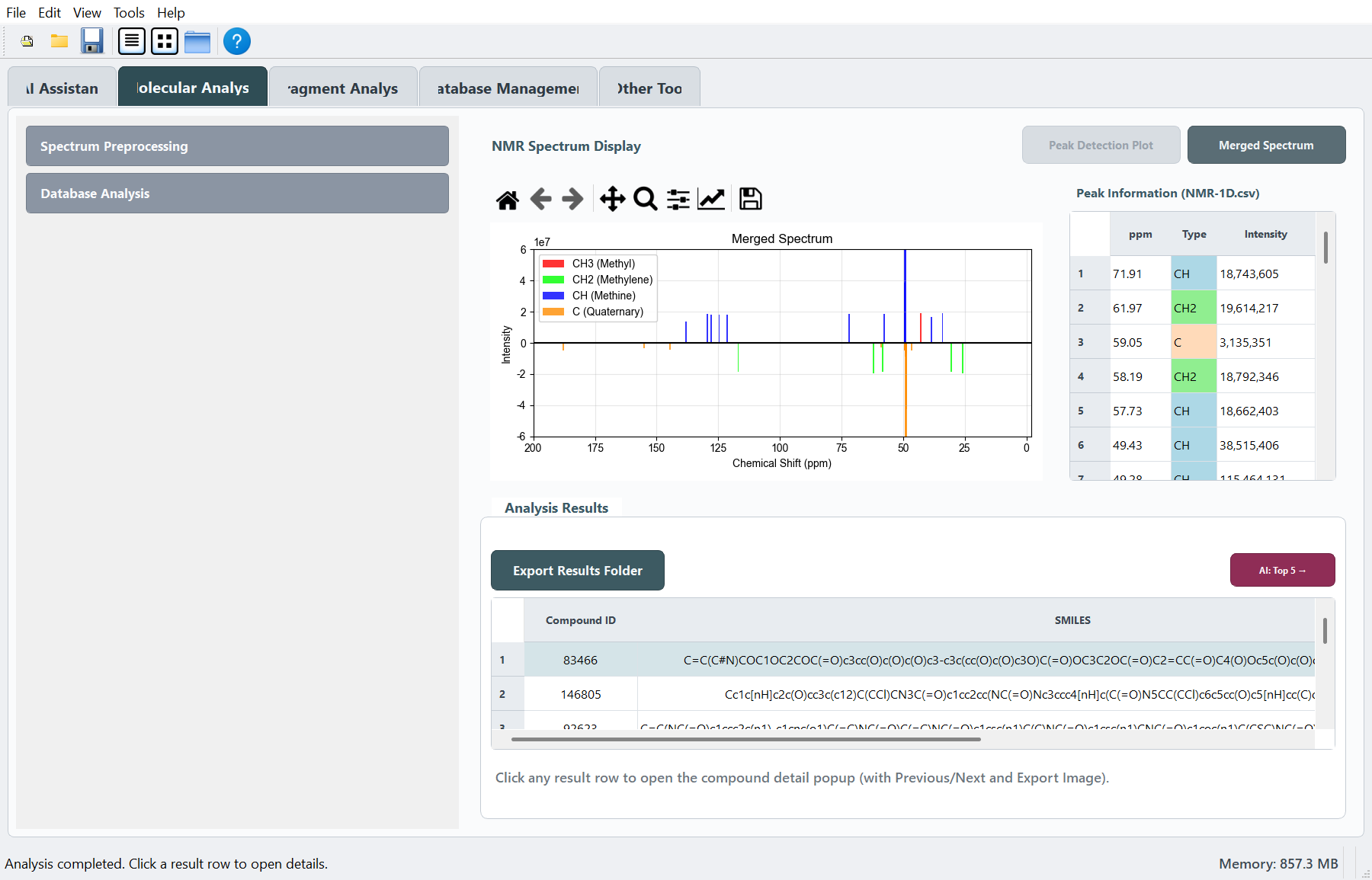
| Molecular Analysis | Spectral preprocessing + database screening + hit table |
| Fragment Analysis | Monte Carlo masking, fragment extraction, fusion |
| Database Management | Build custom .npz libraries from SMILES |
| Other Tool | SMILES structure drawing and HD export |
Each module page follows the same layout: Overview -> Interface Layout -> Workflow -> FAQ -> Relation to Other Modules.
License and Team
VirMolAnalyte V2.0 is developed by the Kunming Institute of Botany, Chinese Academy of Sciences and released under the MIT License.
Output Folder
The application writes automatically to GUI_result_files/ next to the application executable:
NMR-1D.csv- experimental peak listResult.csv- screening Top-Nai_log.jsonl- AI request log, when using the AI Assistant